
Plan Less. Do More.
A calendar tells you when. Trojected tells you what, now.

A productivity app for iPhone that prioritizes your free time.
-
Timelines
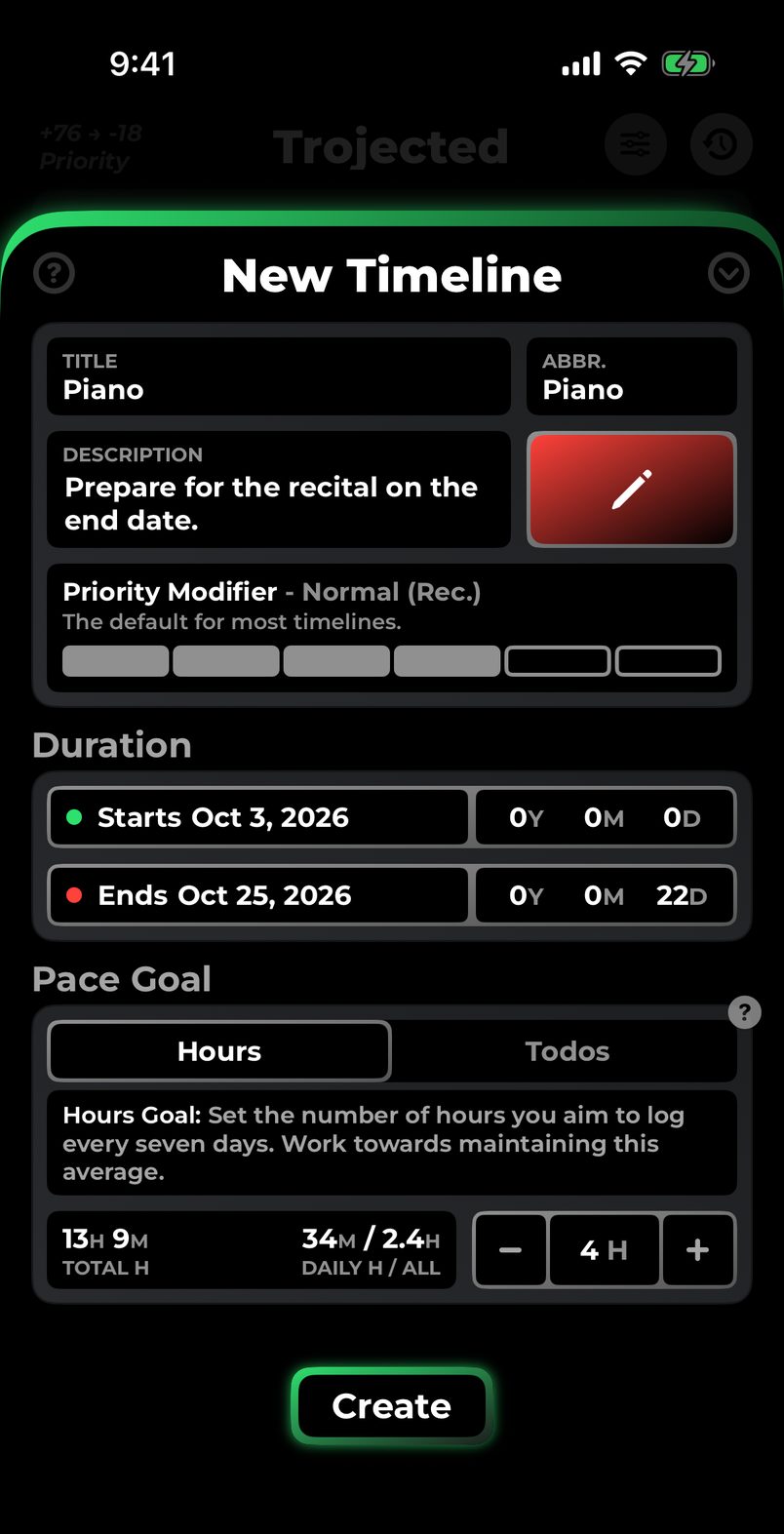
A timeline is one thing you’re working toward, with an end date and a weekly goal.
-
Priority levels
A priority level is one number per timeline. The higher it is, the more it needs you.
-
Log Work
Log the time you put in and the todos you finish. Each session moves that timeline’s level.
Control the Chaos
Adapts to your reality, not the other way around.
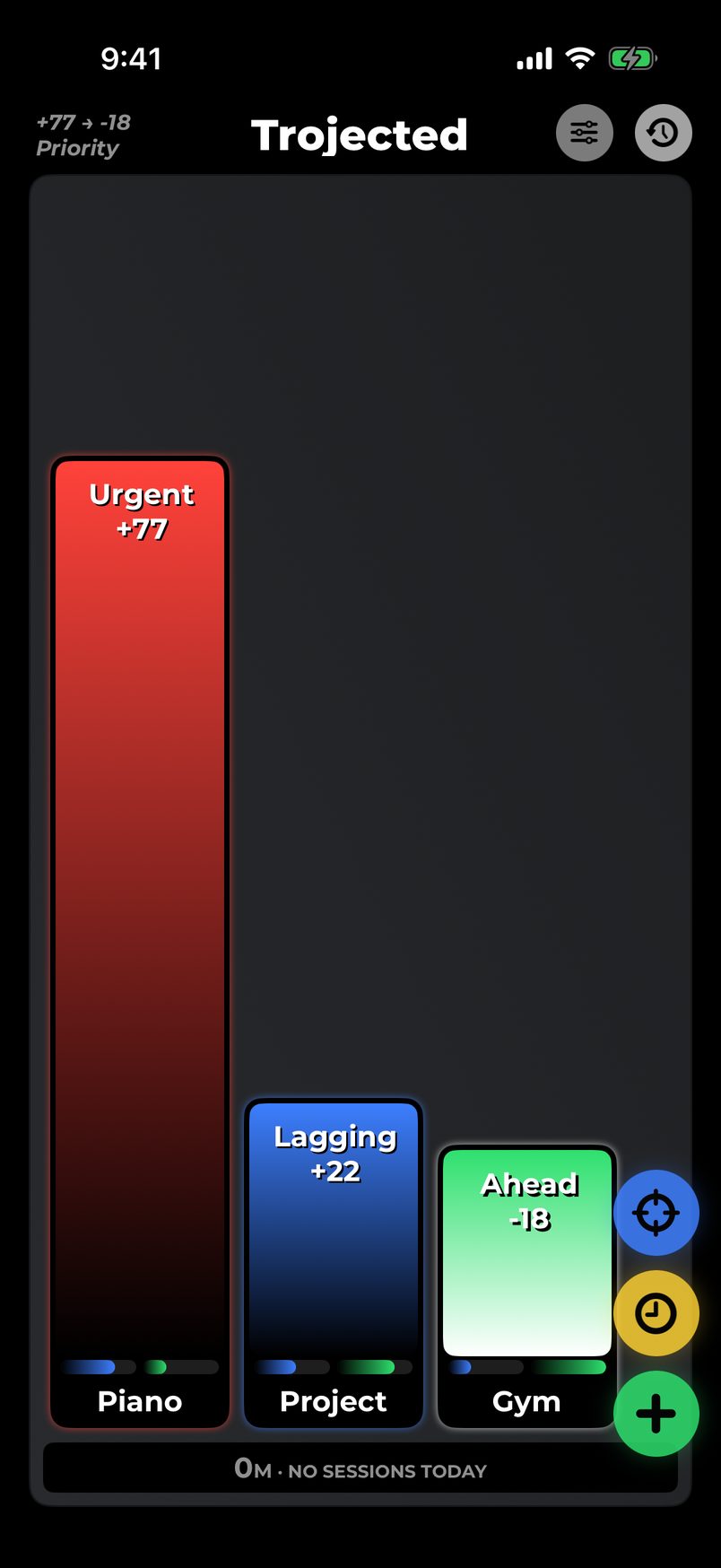
Too much to juggle?
See everything at a glance.
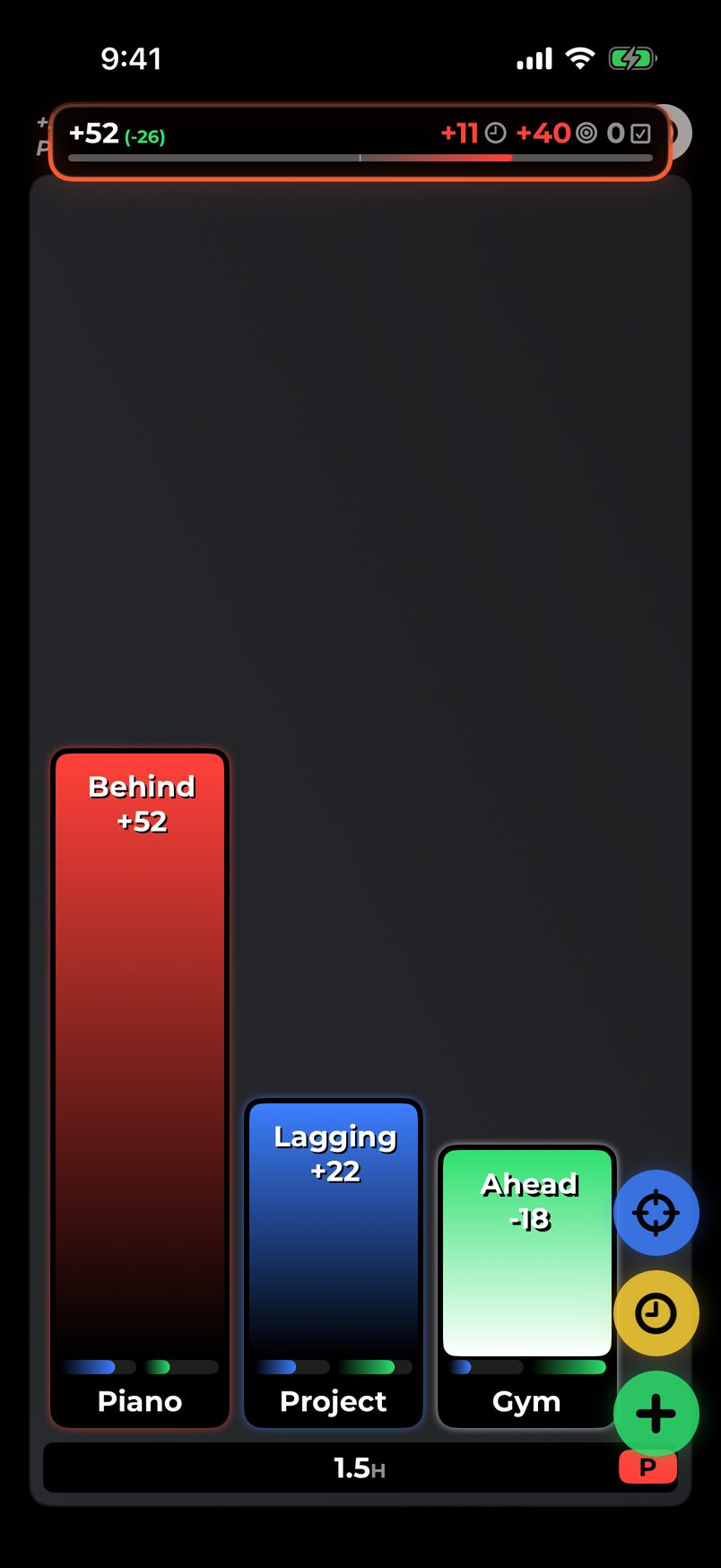
Messy schedule?
Smart priorities adjust with you in real time.
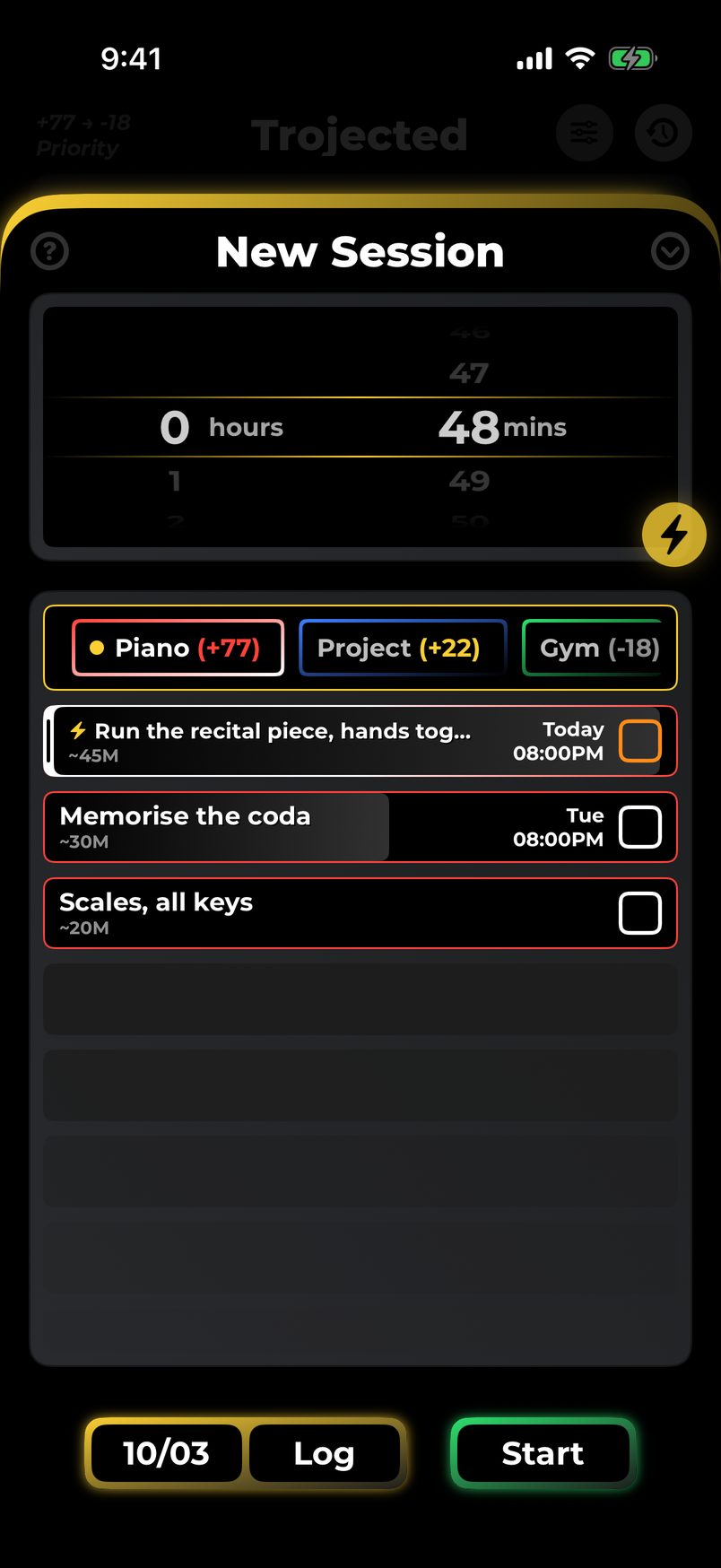
Hard to get started?
Smart Start picks your tasks for you.
See It In Action
Get started in minutes
-
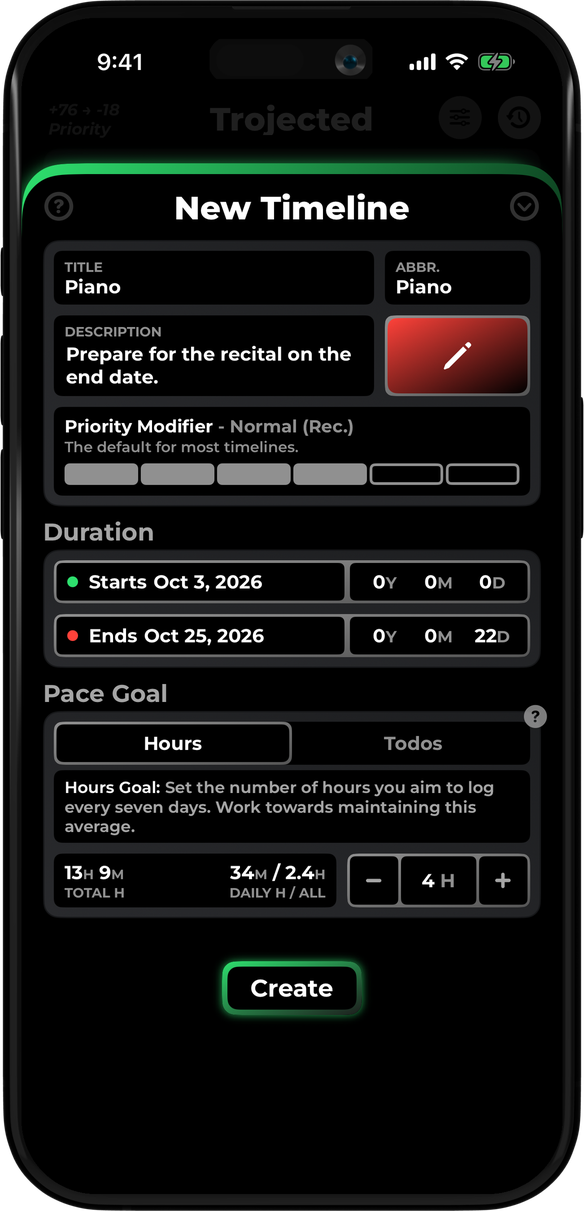
Build Timelines
A timeline is a class, a client, or a habit.
-
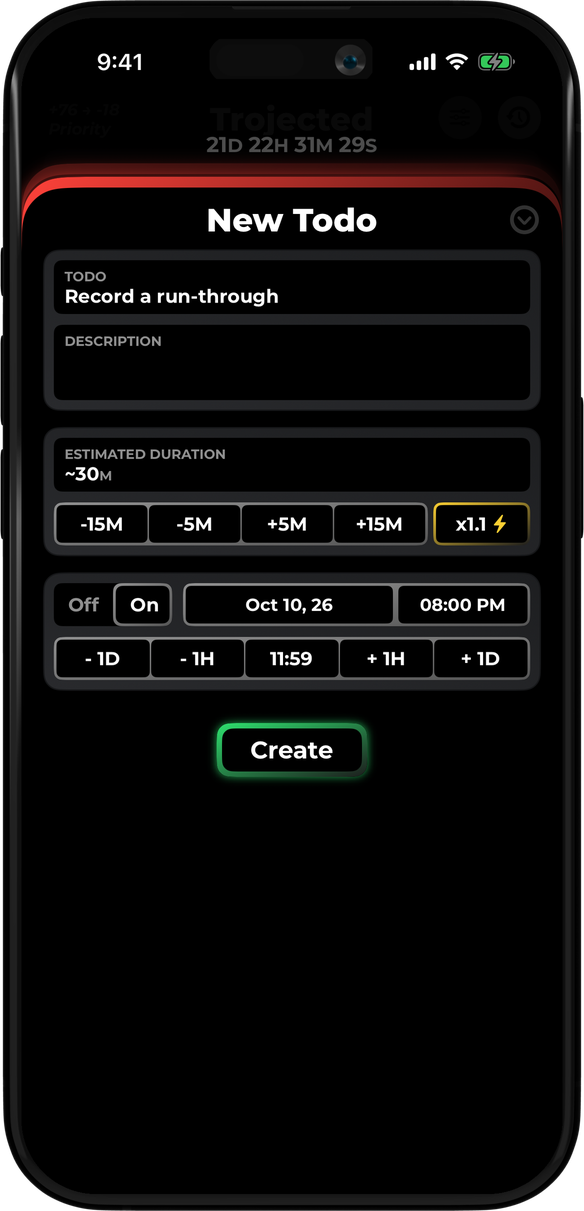
Create Todos
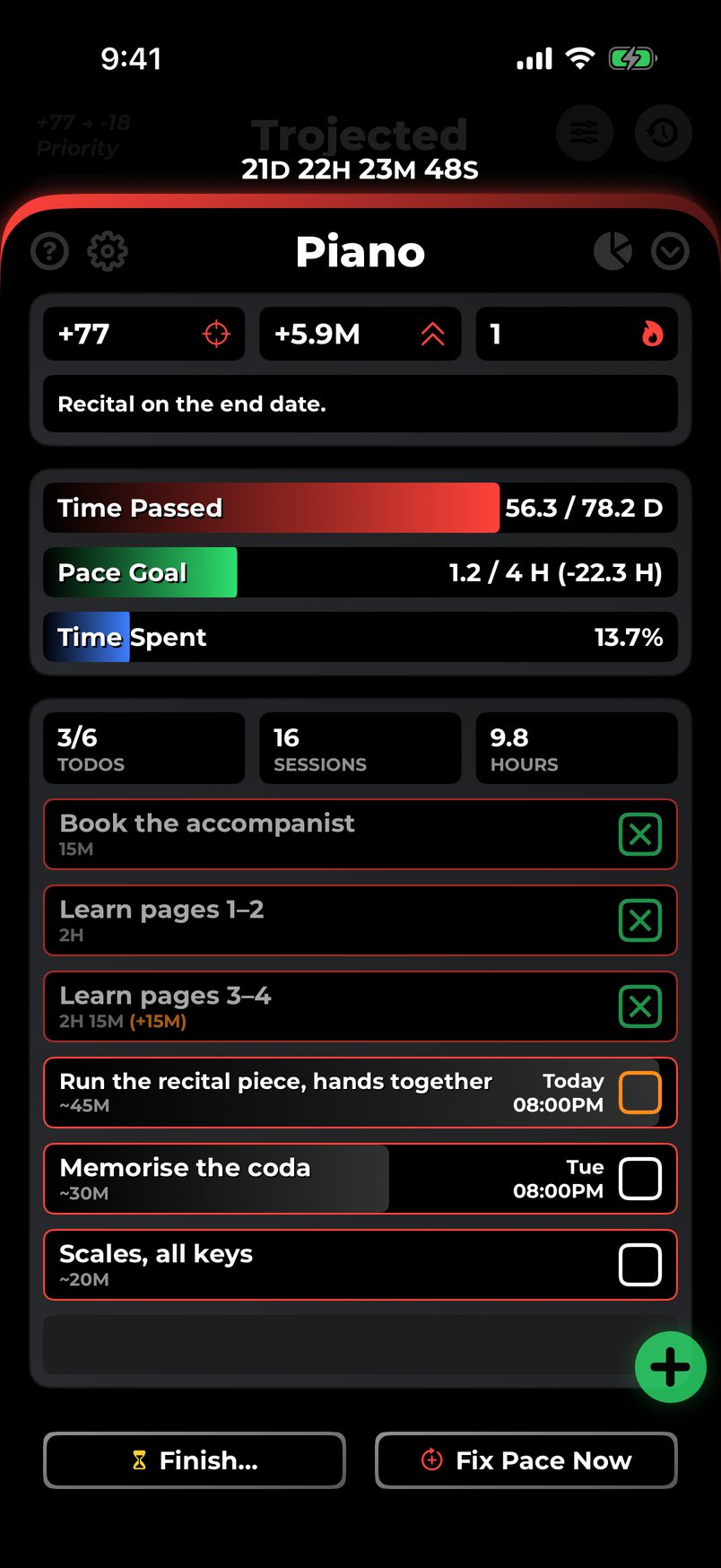
Add todos with estimates and deadlines.
-
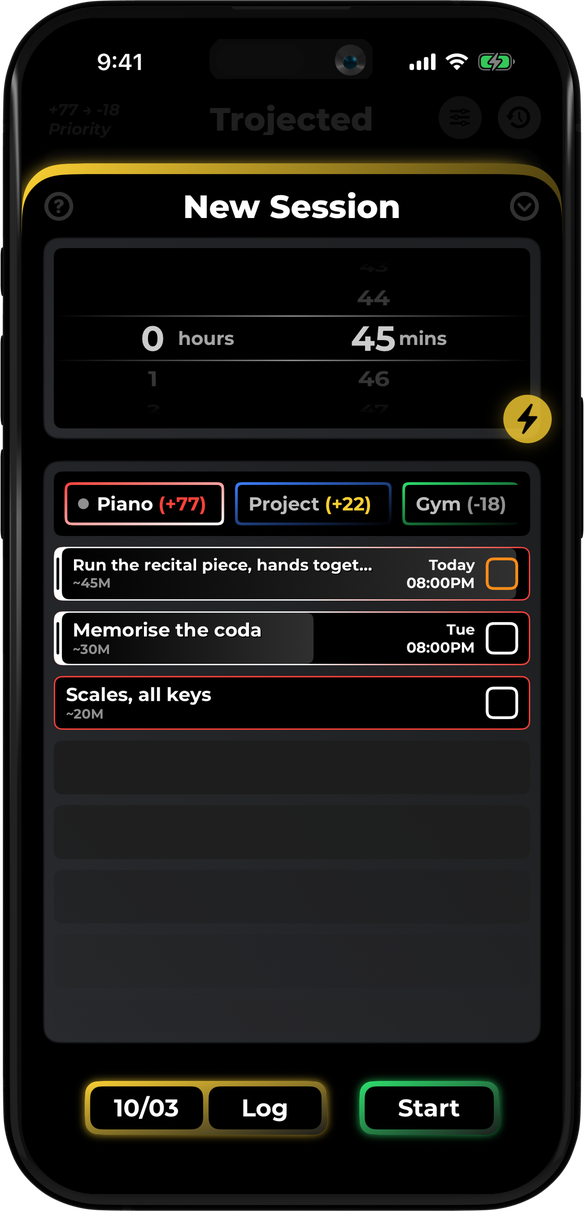
Log Sessions
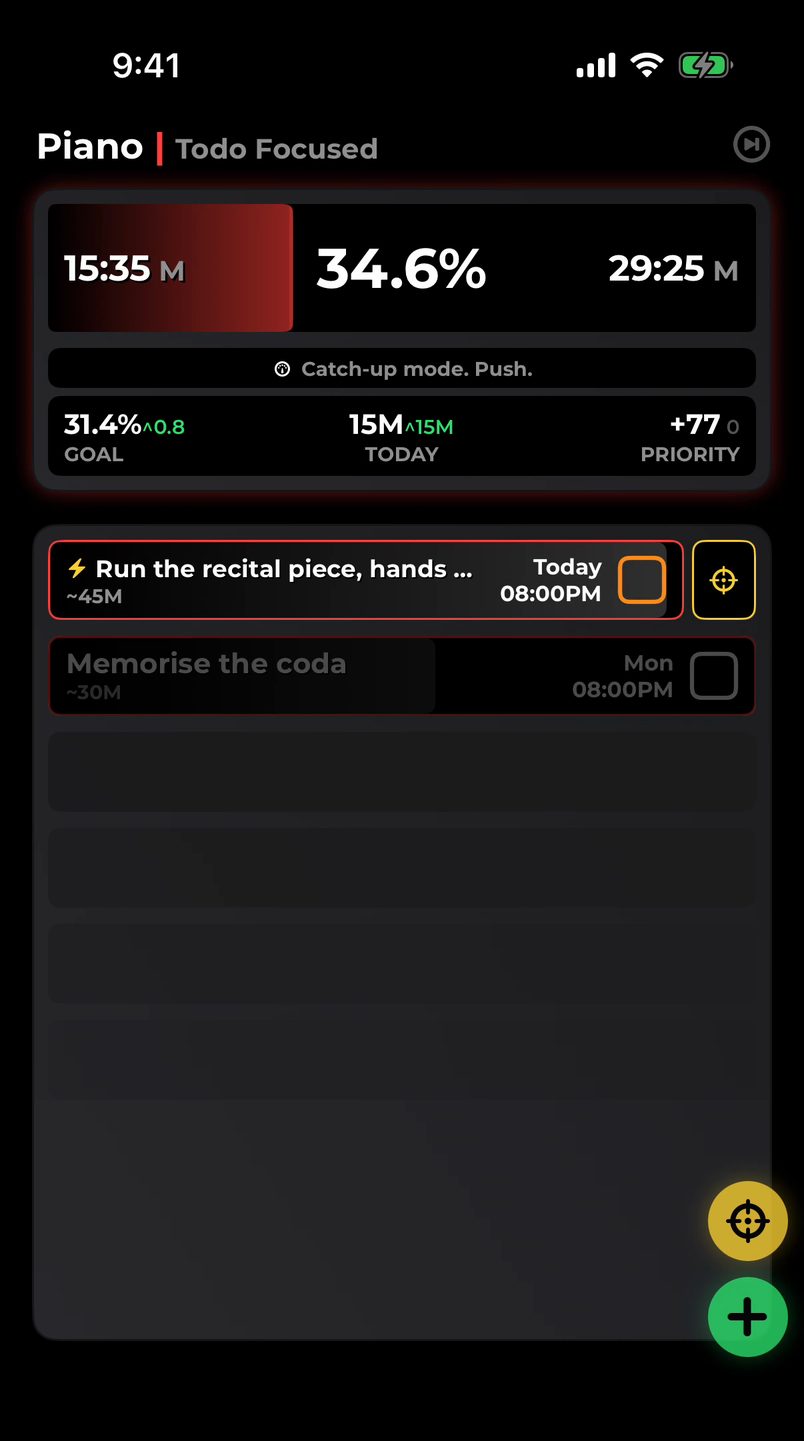
Start a live session, or log it after.
-
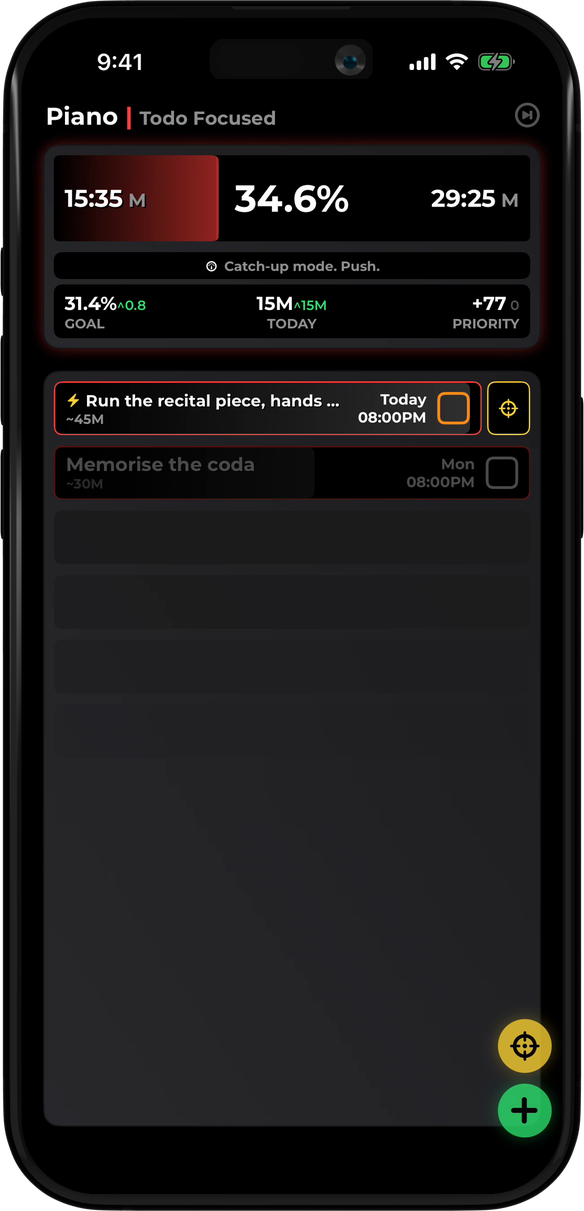
Watch Priorities
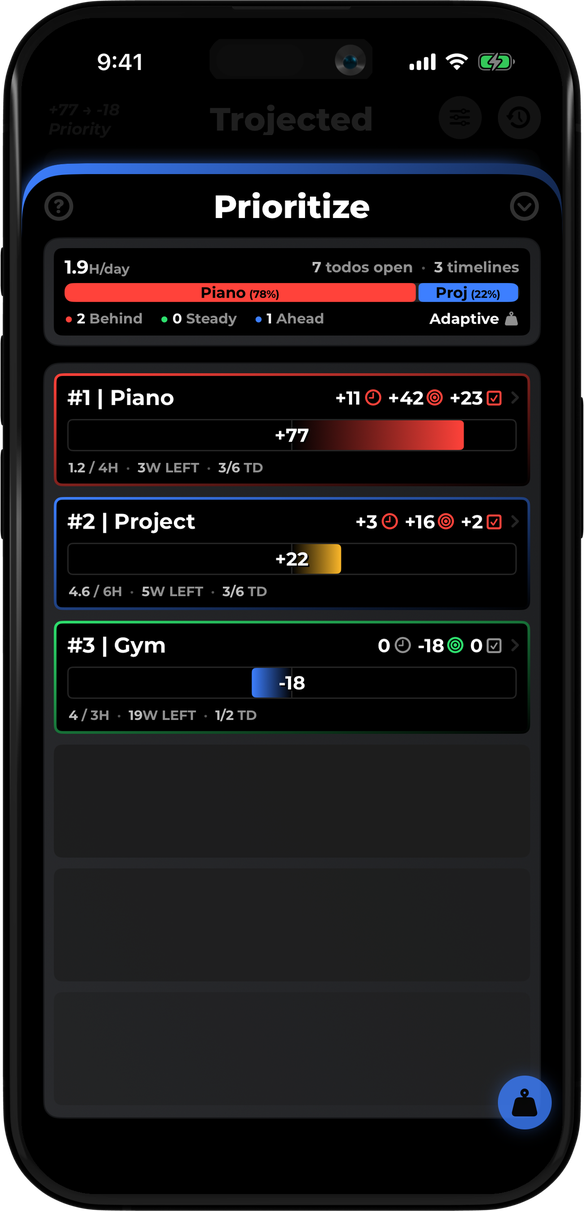
Each gets a level. The top one is next.
Built around the level
One live level ranks every timeline. The rest of your day plans itself.
-
Ranks your timelines
Live Priorities
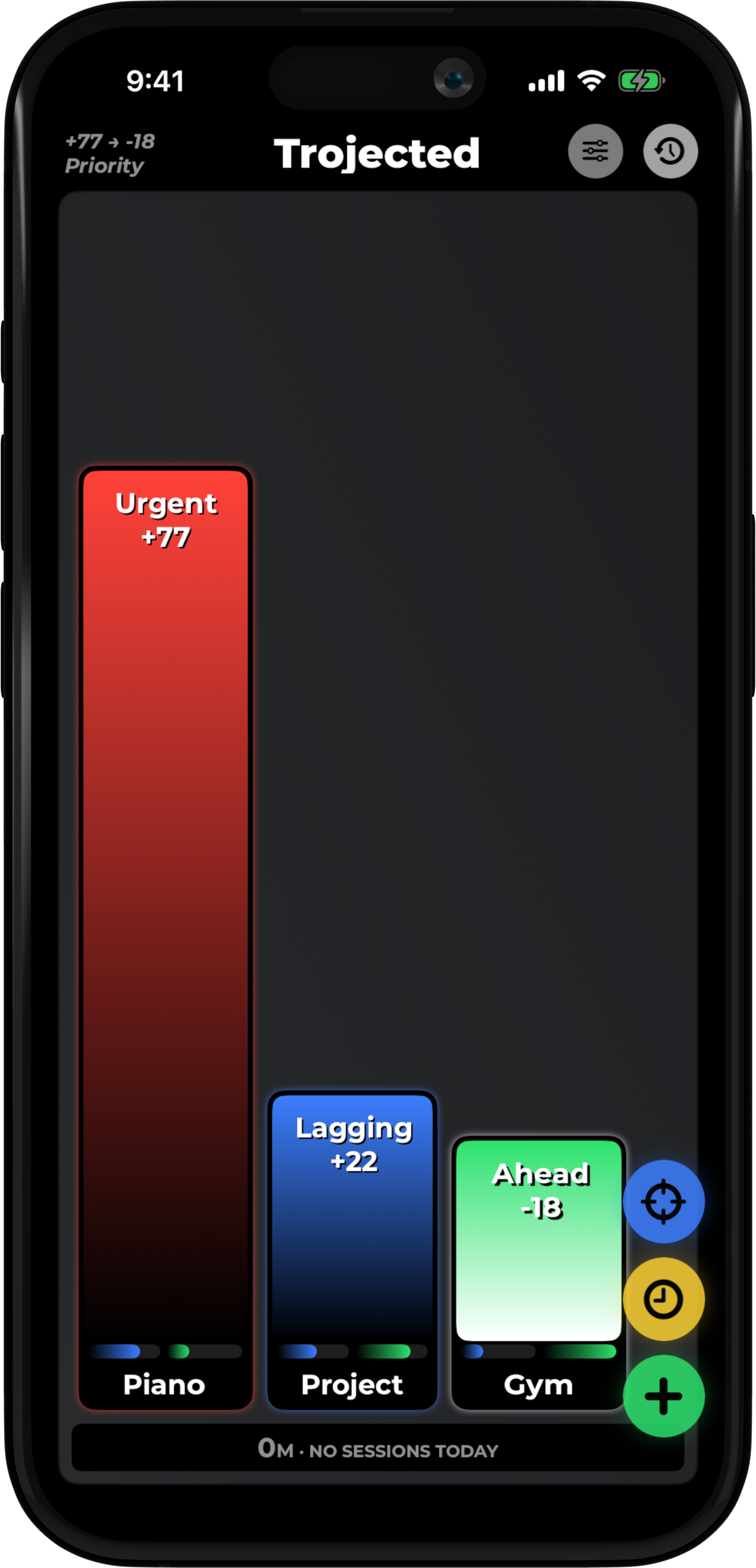
Your timelines rank themselves, so you always know what to work on next.
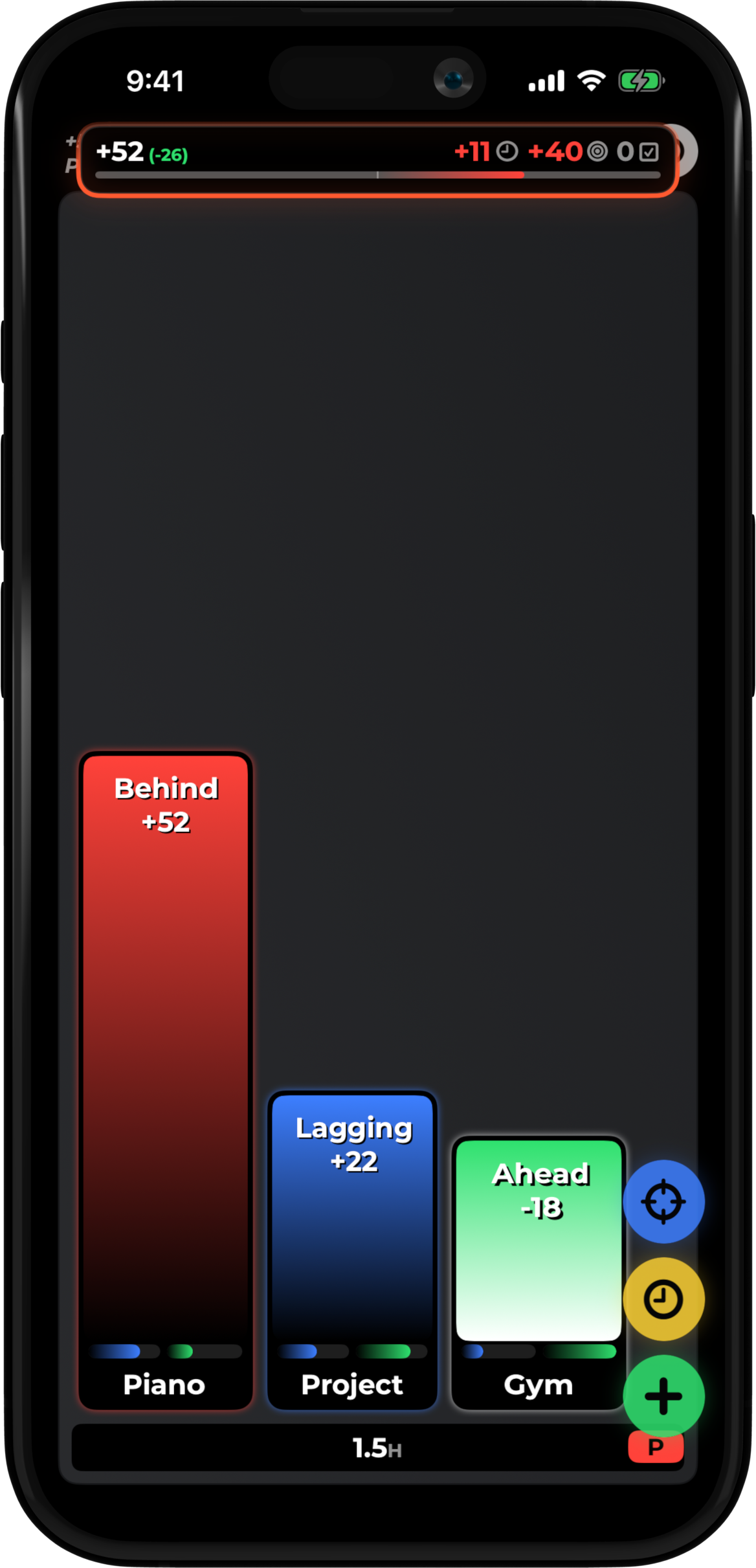
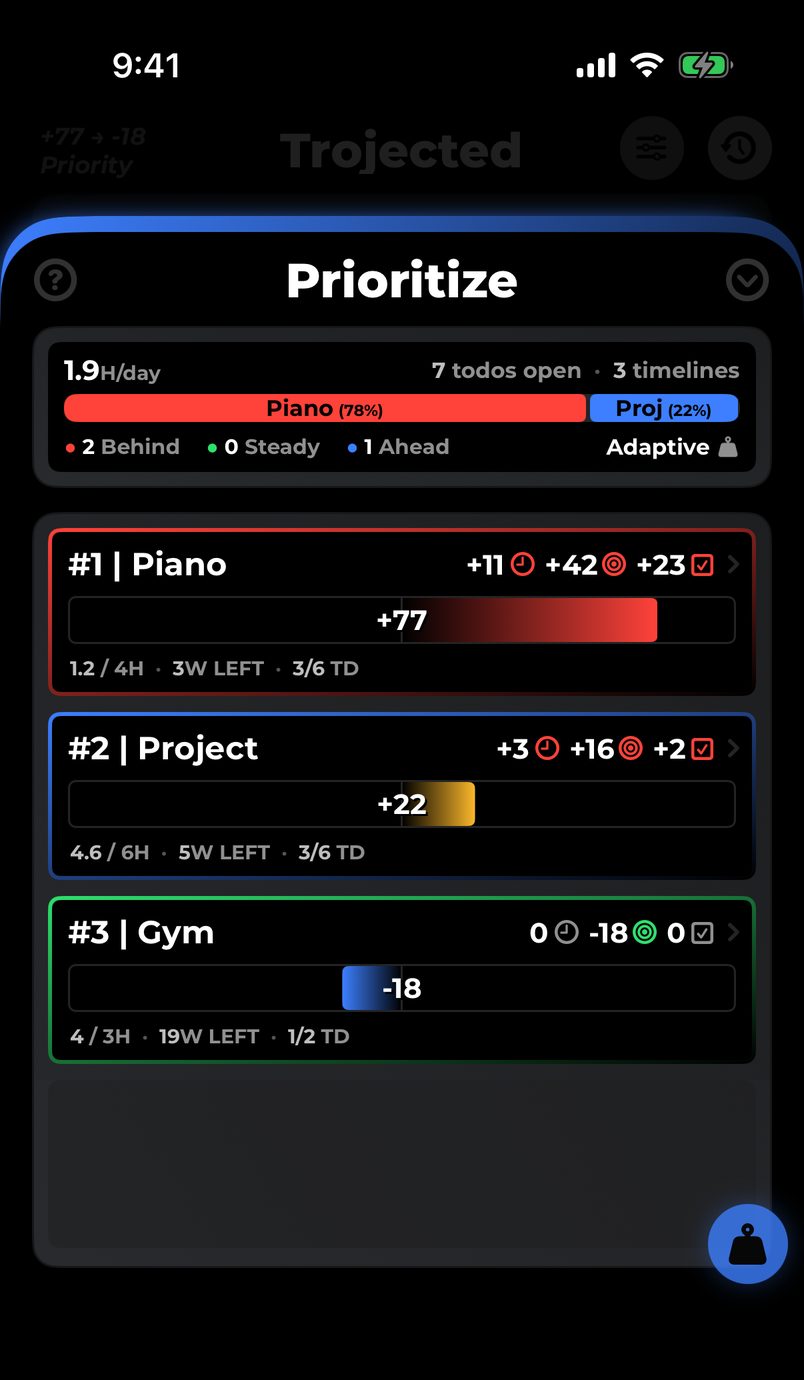
Think of it as a running score for every project, habit, or goal. It rises when you slip behind your weekly pace, a deadline creeps up, or a todo comes due, and it drops when you log work. Your timelines stay sorted by that level, so what to do next is never a guess.
Three timelines, each with a live priority level.
-
Sets the pace
Goals
Goals flex as a weekly average, so you work at your own pace. Set one as a limit: going over reads as time to rebalance.
-
Logs the work
Sessions
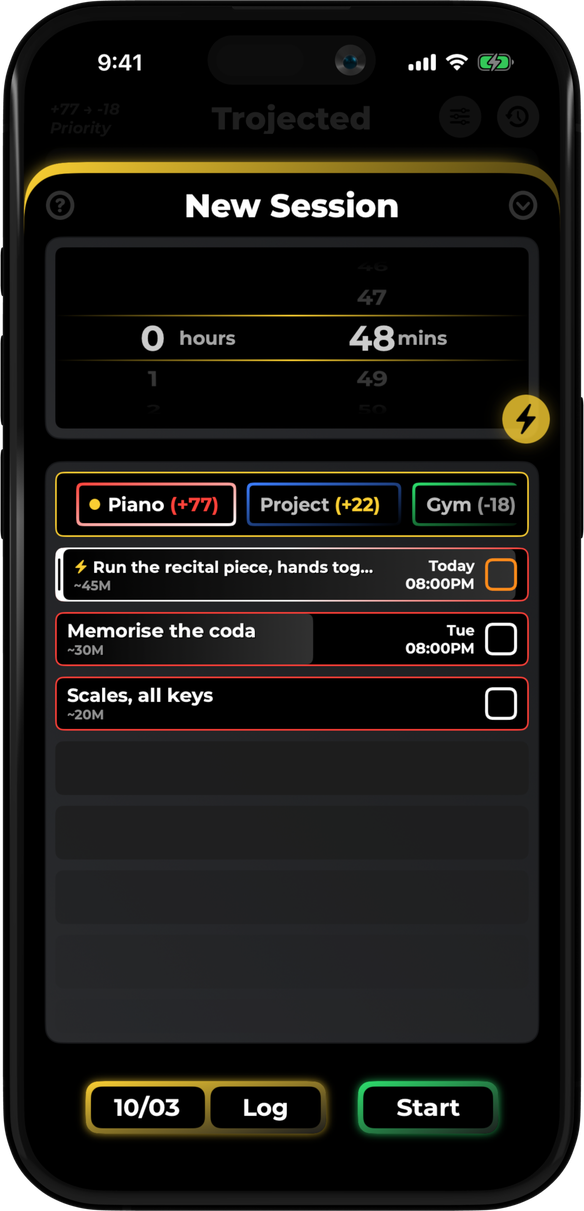
Set a length and pick what to work on, or let Smart Start decide. Did the work away from your phone? Log it after.
-
Tunes the formula
Weights
Tune how it thinks. Boost what matters, weigh deadlines against pace, relax the ones ahead. Every level follows.
-
Keeps the record
Activity
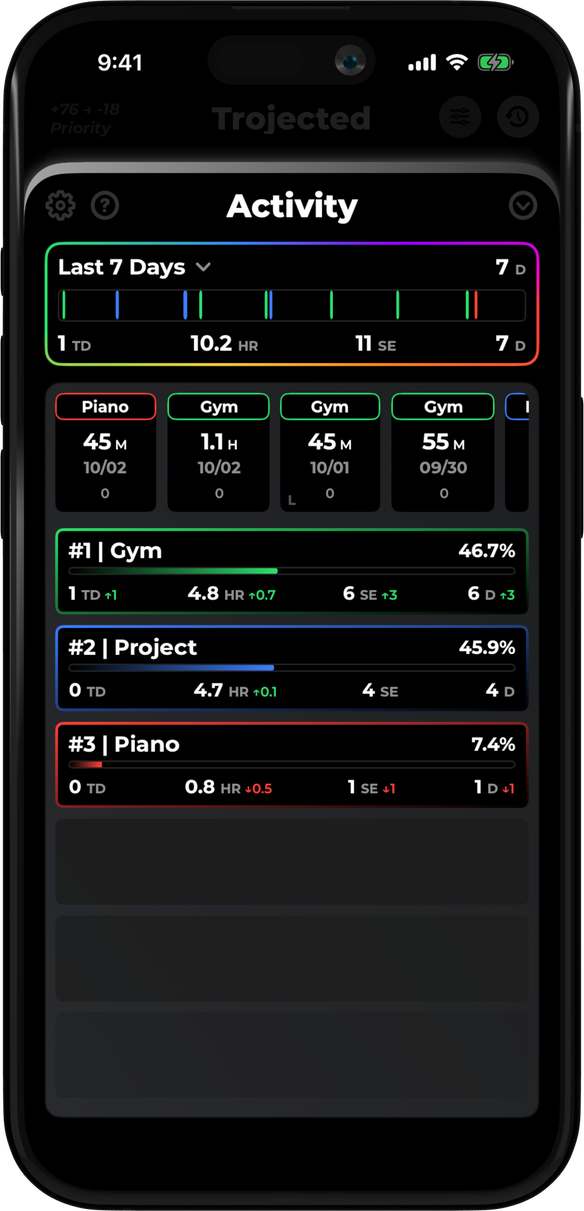
See where your hours actually went: today, this week, all time. Share a progress card, or send a client a clean summary.
-
Premium · re-fits the goal
Auto Align
Behind on a goal? One tap re-fits it to your pace or your deadline, or moves late todos back, and the level follows.
-
Sets the deadlines
Todos
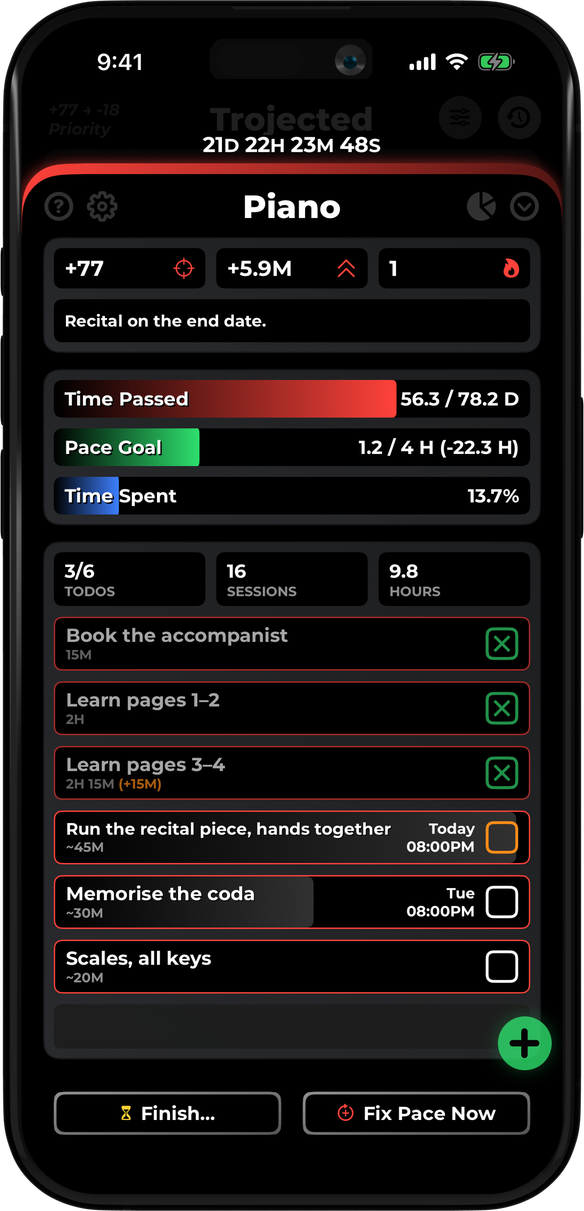
Color-coded boxes and deadline bars show what’s due without reading a date. Add an estimate; sessions fit them in.
Built for
Goals that don’t fit in a calendar.
-
Creators
novel, app, shop: shipped on the side
- Novel draft
- Podcast, season 2
- YouTube channel
- Indie app v1.0
- Etsy shop
- Short film edit
-
Hobbyists
no deadline, just a pace to keep
- Marathon training
- Piano
- Conversational Spanish
- 52 books this year
- Morning meditation
- Sourdough
-
Students
classes, applications, and an actual life
- Organic Chem
- Senior thesis
- MCAT prep
- Intern applications
- Robotics club
- Intramural soccer
-
Freelancers
tracking client work, with receipts
- Client: Meridian
- Client: Oakline
- Portfolio refresh
- Invoicing & taxes
- Cold outreach
- Figma course
Project Your Future Map Your Trajectory